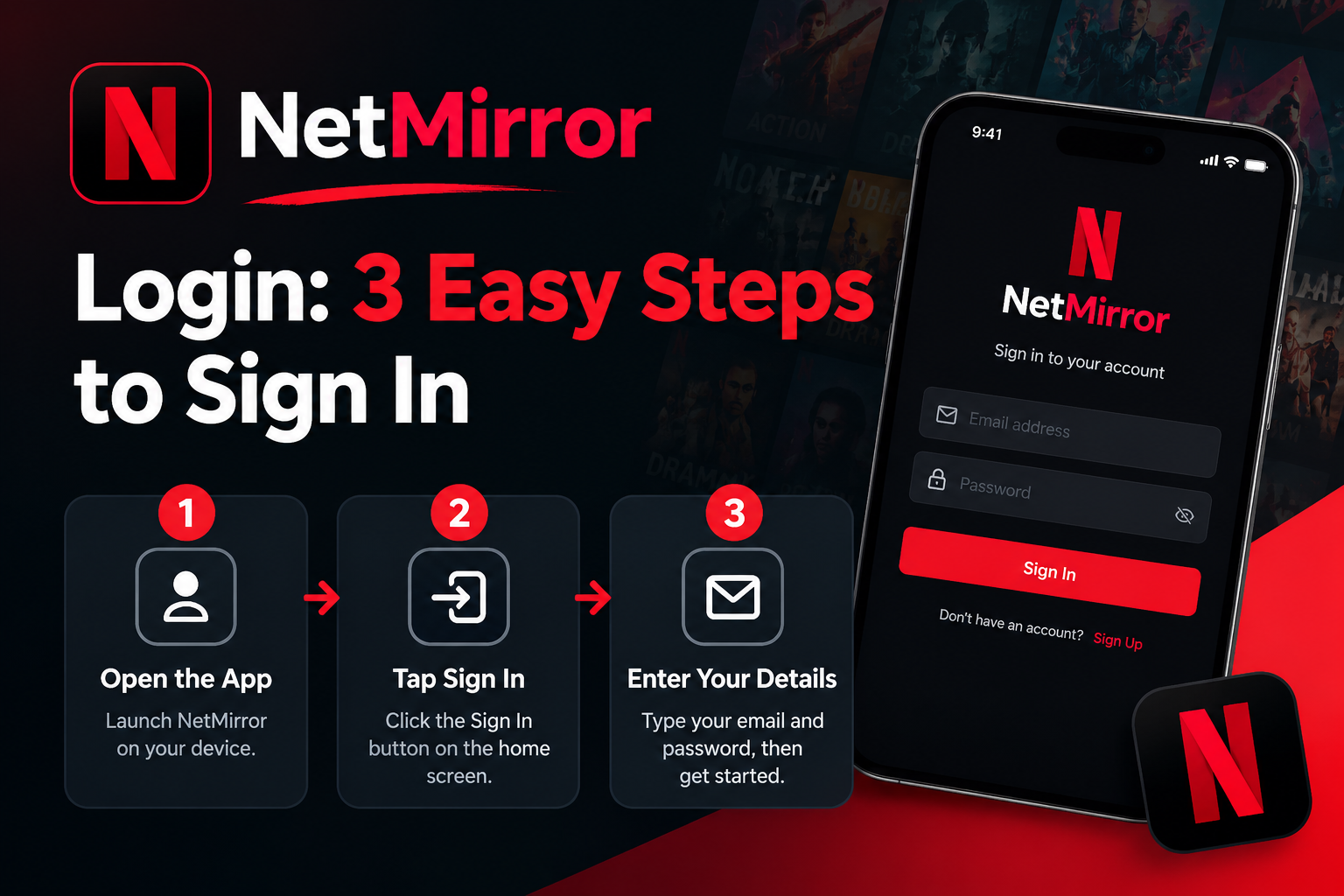
NetMirror Login: 3 Easy Steps to Sign In
The first thing to know about the NetMirror login is that you often do not need one. Many Android APK builds open straight into the library with no account at all. Some versions, and the NetMirror web player in particular, ask you to sign in to NetMirror the first time. This guide clears up the confusion: when a login is actually required, how to create a NetMirror account, what it unlocks, and how to fix the sign-in problems people hit most.
Does NetMirror Require a Login?
It depends on your version. On most Android APK builds, you tap the app icon and start browsing immediately, no email, no account. The browser version and a few builds show a welcome screen that asks you to register before the library loads.
Either way, the service is free at every step. A login never unlocks a paid tier, because there is no paid tier. If a screen ever asks for a payment or a credit card to “activate” your account, close it, that is not part of the genuine free app and is a classic phishing pattern.
Looking for the latest APK? Visit our [NetMirror APK Download] guide for version details and installation steps.
How to Create an Account and Sign In
When a sign-in screen does appear, the process takes under a minute.
- On the welcome screen, choose Sign Up.
- Enter any working email address and pick a password, or select Continue with Google if that option shows.
- Confirm to create the account. You are taken straight into the library.
- Next time, open the app and choose Sign In with the same credentials.
Store the email and password somewhere safe, since a reset or very old build can occasionally ask you to sign in again.
What Signing In Actually Gives You
If a login is optional on your build, here is what you gain by using it:
- A synced watchlist. Titles you save follow you if you reopen the app or switch to the web version.
- Continue Watching that remembers your place. Playback resumes across sessions instead of restarting.
- Consistent preferences. Your subtitle and audio-language choices stay set between sessions.
- Cross-device continuity. Start a film on your phone and pick it up in the browser on a laptop.
If you never plan to save titles or switch devices, skipping the login costs you nothing.
Login vs No-Login at a Glance
| With an account | Without an account | |
|---|---|---|
| Access to content | Full, free | Full, free |
| Watchlist saved | Yes, synced | Local only or none |
| Resume across devices | Yes | No |
| Setup time | About a minute | Instant |
Fixing Common Sign-In or NetMirror login Problems
The app keeps asking me to log in. Some older builds prompt for a Google sign-in on launch. This is normal for those versions and does not expose your data. Updating to a newer build usually stops the repeated prompts.
I am stuck in a login loop. Clear the app cache under Settings > Apps > NetMirror > Storage, then reopen and sign in again. A corrupted session file causes most loops, and clearing the cache resets it without deleting your watchlist.
I forgot my password. Because accounts are lightweight, the quickest fix is often to sign up again with a fresh email rather than hunting for a reset link that some builds do not offer.
The sign-in screen will not load. Check your internet first. On the NetMirror web login, the web address may have rotated, so open the current working link and try again.
“Invalid credentials” even though they are correct. Watch for autocapitalised first letters and trailing spaces from autofill, which silently break the password.
A Quick Note on Privacy
Because the NetMirror login mainly powers a watchlist and resume feature, treat it like any low-stakes account: use an email you do not mind sharing, and a password you do not reuse elsewhere. As with any third-party app, sign in with Google only if you trust the source you downloaded from.
When You Might Want to Skip the NetMirror login
A login is not always necessary. If you share a phone with family, use a spare device, or only watch on one phone, staying signed out can keep things simple. Sign in when you want your watchlist and progress to sync across devices; otherwise, you can watch without an account and create one later if needed.
Final Word
Signing in to NetMirror is optional on most builds and quick when it is required. Its real value is a synced watchlist and resume-where-you-left-off playback, not access, which is free regardless. If sign-in ever gives trouble, clearing the cache or moving to a newer build resolves nearly every case. This article is informational only, and the laws where you live govern what you stream.
Frequently Asked Questions
Is a NetMirror login free?
Yes. There is no charge to create or use an account, and no paid plan exists.
Can I use NetMirror without signing in?
On most APK builds, yes, you can watch straight away. Some versions and the web player ask for a quick free account first.
Does the login store my viewing history?
An account keeps your watchlist and Continue Watching progress so they carry across sessions. That is its main purpose.
Is it safe to sign in with Google?
The Google option only confirms your identity for the watchlist. Use it only if you downloaded from a source you trust.
Why does the web version ask to log in but the app does not?
The browser build uses a lightweight account to hold your watchlist, while many APK builds store that data locally instead.